Android & iPhone guide
How to Track Employee Hours in a Salon (Simple Setup)
Commission or not, your stylists' hours need to be on record. Here is a simple way to track them, fix missed punches and keep the records payroll needs.
Many salon owners only track employee hours in a salon when payroll is due, piecing the week together from the appointment book and memory. That works until a stylist questions a paycheck or a labor agency asks for records.
This guide explains what you need to record, how to set up a simple clock-in routine on paper or a shared device, and how a salon app can keep the hours in the same place as your bookings.
Why salons need to track hours, even for commission stylists
A common belief is that hours don't matter when stylists are paid on commission. Under the federal Fair Labor Standards Act, employees paid by commission generally still have to earn at least minimum wage for every hour worked, and overtime rules can apply. You can't show that without knowing the hours.
The Department of Labor's recordkeeping rules ask employers to record hours worked each day and total hours each workweek for non-exempt employees. No specific format is required, as long as the records are complete and accurate.
Hours also matter for running the business. They show who is booked versus who is waiting for walk-ins, and whether your schedule matches your busy days.
Where salon timesheets usually go wrong
No clock at all
Hours are rebuilt from the appointment book, which misses prep time, cleanup, training and time spent waiting between clients.
Forgotten clock-outs
A busy closing shift ends and nobody clocks out. The next morning, nobody remembers the real time.
Buddy punching
One employee clocks in for a coworker who is running late. It is often harmless in intent but makes the records wrong.
Paper that disappears
Sign-in sheets get coffee on them, go missing or can't be read when you need them two years later.
How to track employee hours in a salon without special software
A paper sign-in sheet or a simple spreadsheet can meet the basic need if everyone uses it the same way, every shift.
Pick one place to clock in
Keep one sign-in sheet or one shared timesheet at the front desk. One location makes it a habit and makes missing entries obvious.
Record real times, not schedule times
Each employee writes the actual time they start and finish, plus any unpaid break. "9 to 6" from the schedule is not a record of hours worked.
Write a short clock-in policy
State that staff clock in when they start working, clock out when they leave, never clock in for someone else, and report a missed punch to a manager the same day.
Total each day and week
At the end of the week, add up daily hours and weekly totals for each person. Flag anyone near 40 hours so you can check overtime before payroll.
Have employees confirm
Ask each employee to check and initial their weekly total. It catches mistakes early and avoids disputes later.
Keep the records
Under federal rules, keep timesheets and similar records for at least two years and payroll records for at least three. Your state may require longer.

The faster way
Use Salon Pro as your salon time clock
Paper works, but it is easy to lose and slow to total. Salon Pro Business is salon software with employee clock-in built in, so hours sit in the same app you use for bookings, checkout and commissions, and sync to your salon account.
Give each employee a PIN
When you add a team member, the app gives them their own unique 4-digit PIN, which you can find on their staff profile.
Open the time clock on a shared device
Leave the time clock screen open on the front desk iPad or tablet. It shows a large live clock and a number pad.
Clock in and out with the PIN
Staff type their PIN once to clock in and again to clock out. A confirmation shows their name and whether they are now in or out, and a stylist can clock out and back in for a break.
Review weekly hours
Open an employee's profile to see that week's shifts with check-in and check-out times and the weekly total. Step back to earlier weeks when you need them.
Fix missed punches
If someone forgets to clock out, the open shift is closed with no hours the next time they clock in, so it never counts as a 24-hour day. A manager then edits the record and enters the real times.
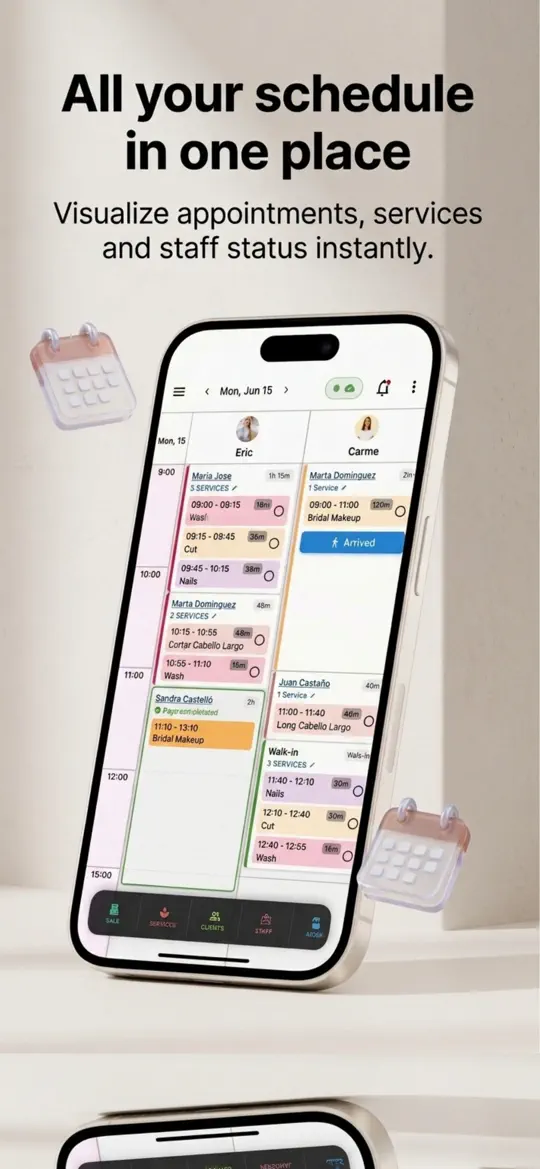
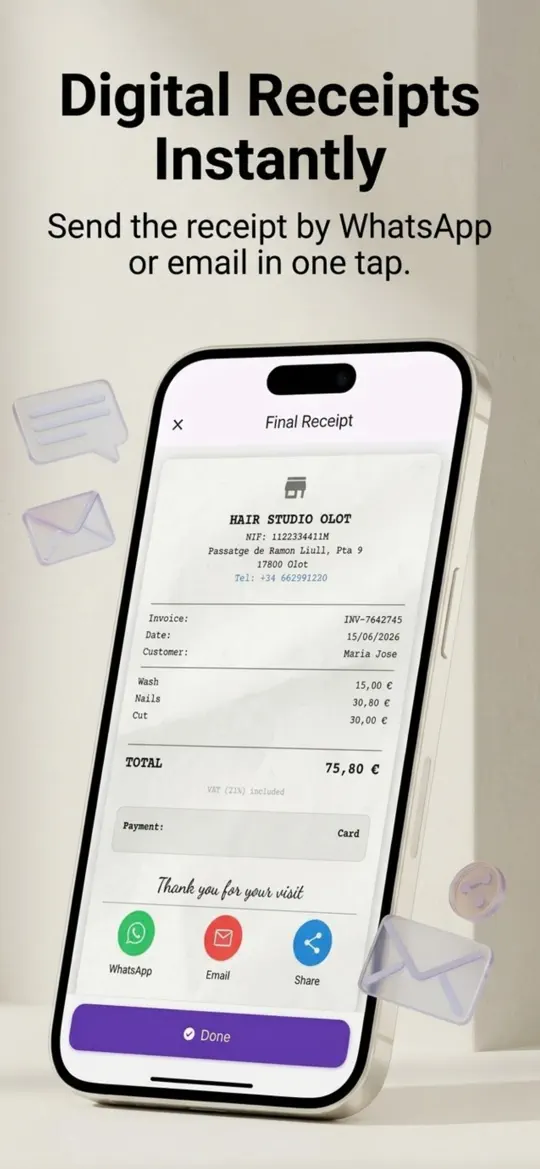
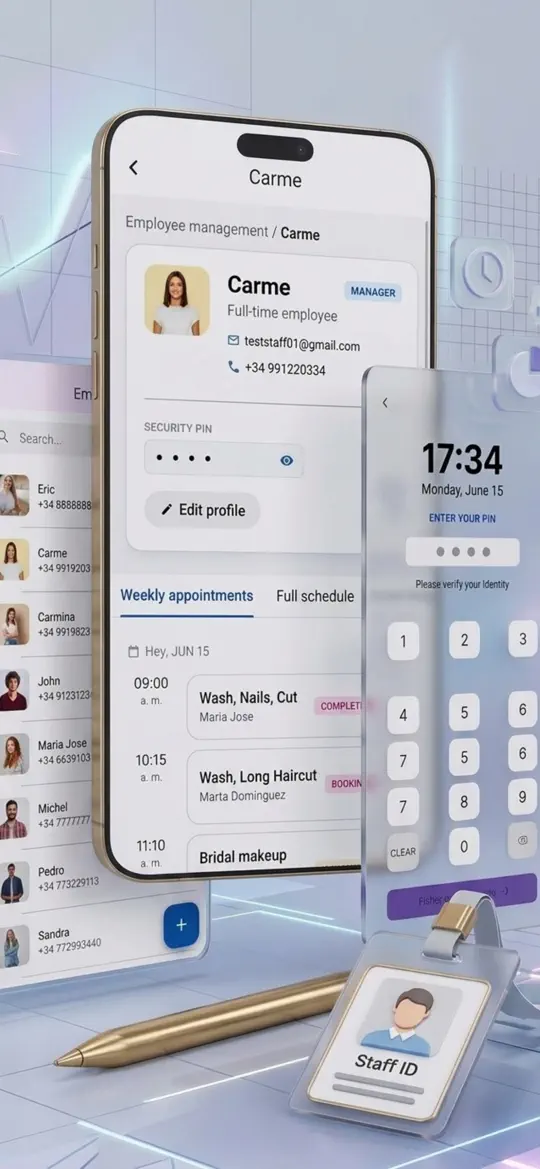
- PIN time clock
Fast clock in and out on one shared device, with no extra hardware to buy.
- Weekly hours per employee
Daily shifts and a weekly total in one view, ready to check before payroll.
- Editable attendance records
Managers can correct a forgotten clock-out or a wrong time instead of guessing at the end of the month.
- Commission tracking in the same app
Hours and commission live side by side, which makes it easier to check that pay covers every hour worked.
- Multi-device sync
Clock-ins on the front desk device sync to your salon account, so the owner can review hours from another device.


Tips for accurate salon timesheets
- Put the time clock where staff walk past at the start and end of every shift, usually the front desk.
- Review hours every week, not once a month. Missed punches are easy to fix while everyone still remembers the day.
- A PIN clock can't stop buddy punching on its own. Make it a written rule, and spot-check the clock against who is actually in the salon.
- Never dock pay for a forgotten punch. Find the real time with the employee and correct the record instead.
- Check your state's labor rules for breaks, overtime and commission pay. Some states, such as California, go well beyond federal law.
Frequently asked questions
Do salons have to track hours for commission stylists?
In most cases, yes. Commission-paid employees generally still need to earn at least minimum wage for all hours worked, and you need hour records to prove it. Booth renters who are true independent contractors are different, so check how your team is classified.
How long do you have to keep employee time records?
Under federal FLSA recordkeeping rules, keep time cards and similar records for at least two years and payroll records for at least three. State rules can be longer.
What should you do when an employee forgets to clock out?
Ask the employee for their actual finish time, confirm it if you can, and correct the record with a note. Pay for the time worked even if the punch was missed.
What is the best way for stylists to clock in and out?
A single shared clock at the front desk, used at the start and end of every shift, is the easiest habit to keep. A tablet with a PIN time clock is cheaper than dedicated hardware and easier to total than paper.
Can you use an iPad as a time clock?
Yes. Many salons leave a time clock app open on the front desk iPad so staff can clock in with a PIN. Salon Pro Business includes one alongside bookings and checkout.
Summary
To track employee hours in a salon reliably, use one clock, record real start and finish times, review the week before payroll and fix missed punches fast. A paper sheet can do the job, but Salon Pro Business keeps clock-ins, weekly totals and corrections in the same app as your calendar and commissions. Try it with your team this week.
More guides
 Android & iPhone
How to Fill Last-Minute Salon Cancellations With a Waitlist
A client cancels at 9 a.m. and a two-hour slot sits empty. Here is how to keep a waitlist that fills it, with or without software.
 Android & iPhone
How to Set Up Online Booking for a Salon (Step by Step)
Clients want to book at 10 p.m. without calling. Here is how to prepare your services, set simple rules and share one booking link where clients already look.

 Android & iPhone
What to Do When the Gym Is Busy: Smart Exercise Swaps
Every squat rack is taken and the bench has a line. Here is how to keep your workout on plan by reordering and swapping exercises instead of waiting.