Android & iPhone guide
How to Set Up Online Booking for a Salon (Step by Step)
Clients want to book at 10 p.m. without calling. Here is how to prepare your services, set simple rules and share one booking link where clients already look.
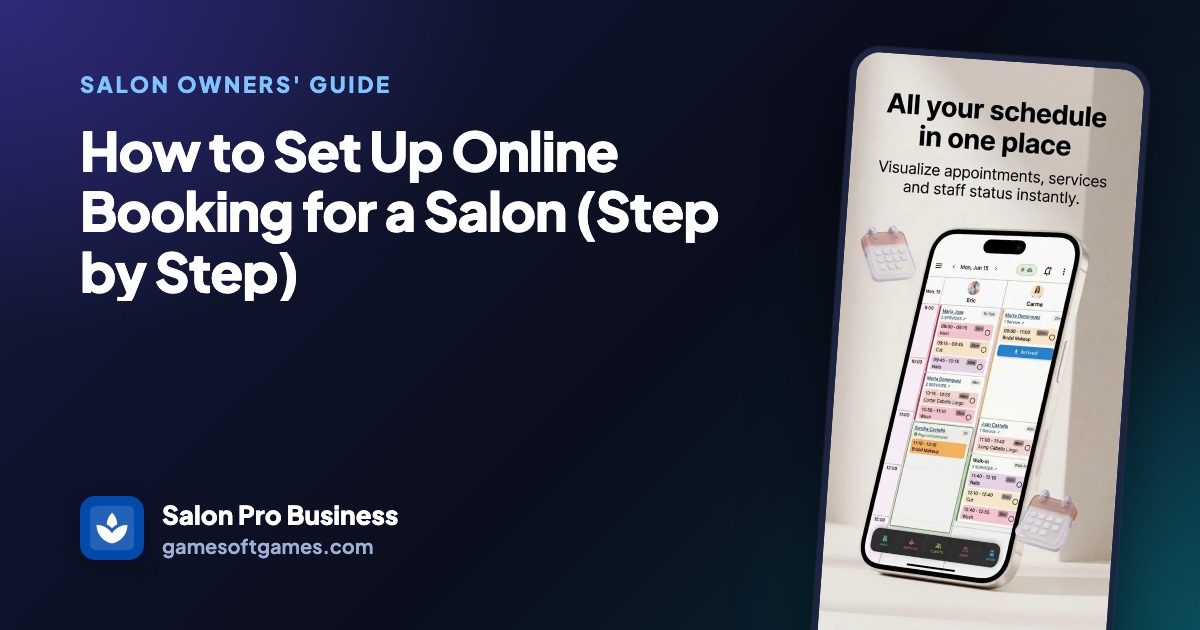
If you want to set up online booking for a salon, the software is the easy part. The work is in the details clients never see: service lengths, schedules and a few clear rules.
This guide walks through the preparation, where to share your link so clients actually use it, and the mistakes that lead to empty gaps or a stylist booked twice.
Why salons move to online booking
Many clients think about their next haircut in the evening, long after the salon has closed. If the only way to book is a phone call, some of them forget, and some book wherever they can do it on their phone.
Phone booking also costs time during the day. Every call that interrupts a color service or a checkout is a few minutes of attention taken from the client in the chair.
Online booking only helps if the times it offers are real. A booking page that shows a slot when the stylist is on vacation, or allows a 90-minute color in a 30-minute gap, creates more phone calls than it saves.
Common reasons salon online booking goes wrong
Wrong service durations
If a full highlight is listed as 60 minutes but really takes two hours, every online booking after it runs late. Honest service durations are the base of everything else.
Schedules that aren't up to date
Days off, vacations and holiday closures that live only in someone's head will show up as free times online.
No rules for changes
Without clear online cancellation rules, clients can drop an appointment an hour before and leave a gap nobody can fill.
A link nobody can find
A booking page that isn't on your Google listing, your Instagram profile or at the front desk gets very few bookings.
How to set up online booking for a salon, step by step
These steps apply whatever booking system you choose. Plan an afternoon for them before you announce anything.
List every service with price and duration
Write down each service as clients would choose it, with the price and the real time it takes, including processing and cleanup. Combine small add-ons into the main service if clients often get confused.
Set opening hours, staff schedules and closures
Enter the salon's hours, each stylist's working days and any vacations or holidays you already know about. The booking page can only be as accurate as these schedules.
Decide your booking rules
Choose how much notice you need for a same-day booking and how late clients can cancel or move an appointment online. Many salons use a 24-hour window and ask clients to call after that.
Make a test booking
Book an appointment yourself as a client would, on your phone. Check that only real times appear, that the service length is right and that the booking shows up in your calendar.
Add the link to your Google Business Profile
In your Google Business Profile, open the Bookings section and add your booking page as a link to your online booking tools. Google may take a little while to show it, and the option can depend on your business category.
Add an Instagram Book Now button
With a professional Instagram account, go to Edit profile, then Contact options, then Add action button, if your booking tool is listed there. If it isn't, put the link in your profile's website field and mention it in your bio, so the Instagram Book Now button isn't the only way in.
Put a QR code where clients wait
A printed QR code poster at the front desk or on the mirror lets clients book their next visit before they leave, without anyone typing a web address.

The faster way
Set up online booking with Salon Pro Business and gestsalon.com
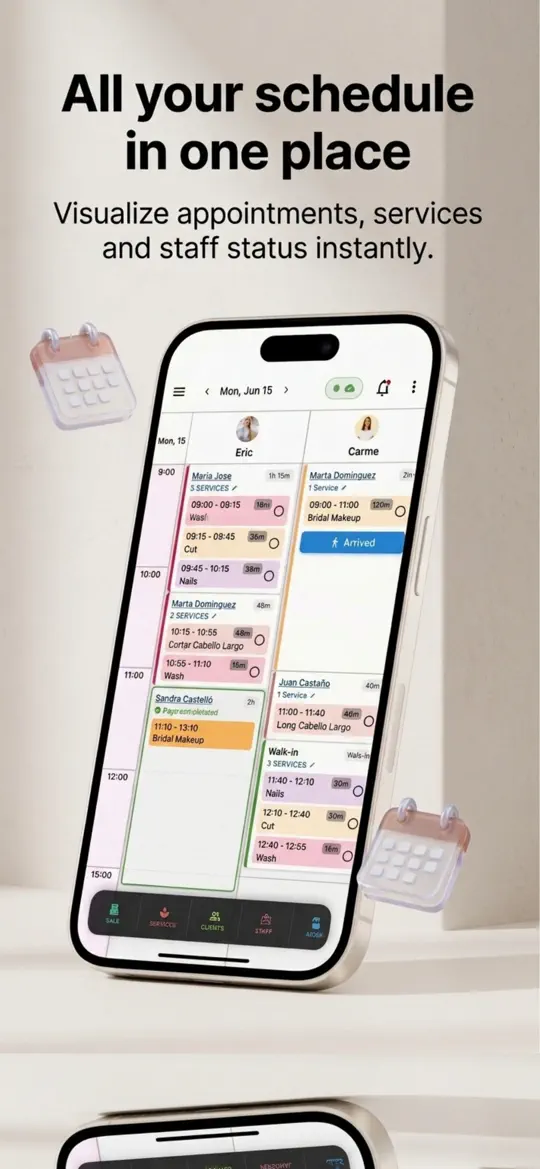
Salon Pro Business is a salon management app for iPhone, iPad and Android, and it includes a free booking page for salons on gestsalon.com. Because the page reads the same calendar, schedules and time off you use in the app, clients only see times that are really free.
Check services, hours and schedules
Make sure each service in the app has its price and duration, and that the salon timetable and each stylist's weekly schedule are filled in. The booking page uses exactly these.
Open the Booking Portal
Go to Settings and open Booking Portal. You'll see your salon's link on gestsalon.com and a QR code. Tap Client view to open the page as a client sees it.
Share the link
Copy the link or tap Share to send it by message, email or WhatsApp. Paste the same link into your Google Business Profile and Instagram profile.
Print the poster and post the story
Tap Print QR Poster for a printable page with your QR code for the front desk. Tap Promo Story to make a ready-made image with your QR code for Instagram or WhatsApp stories.
Follow new bookings in the app
Clients pick one or more services, a stylist or any available professional, a date and a free time. New online bookings, changes and cancellations appear in the app's alerts, and a tap takes you to that day in the calendar.
- Real-time availability
Free times are calculated from your opening hours, each stylist's schedule, existing appointments, staff time off and salon holidays, so the page never offers a time nobody can work.
- Minimum notice for same-day bookings
Same-day online bookings need at least three hours' notice, so nobody books a slot that starts in ten minutes.
- 24-hour change window
Clients can cancel or move their own appointment from their account up to 24 hours before. Inside that window, the page asks them to call the salon.
- Clients added to your client list
A new online client is added to your client records automatically, and a returning client is matched by phone number, so history stays in one place.
- Limits against hoarding
One client can hold at most two upcoming online bookings at your salon and can't book two places at the same time, which keeps prime slots open.


Tips to get more clients booking online
- Ask every client at checkout to book their next visit by scanning the QR code, so they learn the page while you're there to help.
- Put the booking link in your voicemail message and email signature, not only on social media.
- Write service names the way clients say them, such as "Women's haircut" instead of internal codes.
- Update vacations and holiday closures as soon as you know them, since the booking page reads them right away.
- Make a test booking again after you change prices or durations, and cancel it afterwards.
Frequently asked questions
Do I need a website for salon online booking?
No. A booking page with its own link is enough. You can share it on your Google Business Profile, Instagram, Facebook, by message and with a printed QR code.
How do I add a booking link to my Google Business Profile?
Sign in to your profile, open the Bookings section and add your booking page as a link to your online booking tools. It can take some time to appear, and Google decides which business categories can show it.
How do I add a Book Now button on Instagram?
You need a professional account. Go to Edit profile, Contact options and Add action button, and choose your booking provider if it's listed. Otherwise add your booking link to the website field in your profile.
Should clients be able to cancel online?
Most salons allow it up to a set time before the appointment, often 24 hours, and ask for a phone call after that. It saves calls and gives you time to fill the gap.
Will online booking cause double bookings?
Not if the booking system reads the same calendar your team uses and you keep schedules and time off up to date. Problems usually come from a separate paper book or a calendar that isn't updated.
Summary
To set up online booking for a salon, get the basics right first: real service durations, current schedules and clear rules for notice and changes. Then test it yourself and share one link on Google, Instagram and a QR poster. Salon Pro Business gives you that link on gestsalon.com, built from the same calendar and schedules you already use, plus a printable QR poster and a story image. Try it with your team this week.
More guides
 Android & iPhone
How to Fill Last-Minute Salon Cancellations With a Waitlist
A client cancels at 9 a.m. and a two-hour slot sits empty. Here is how to keep a waitlist that fills it, with or without software.
Android & iPhone
How to Manage Salon Staff Time Off Without Booking Gaps
A stylist's day off only causes trouble when nobody wrote it down. Here is a simple policy and calendar routine to keep time off fair and bookings clean.

 Android & iPhone
What to Do When the Gym Is Busy: Smart Exercise Swaps
Every squat rack is taken and the bench has a line. Here is how to keep your workout on plan by reordering and swapping exercises instead of waiting.