Android & iPhone guide
How to Manage Salon Staff Time Off Without Booking Gaps
A stylist's day off only causes trouble when nobody wrote it down. Here is a simple policy and calendar routine to keep time off fair and bookings clean.
If you want to manage salon staff time off well, the hard part is rarely the vacation itself. It is the client who got booked with a stylist who will be at the beach that week.
This guide covers a simple time-off policy, how to keep the calendar honest, and how to handle sick days and short appointments like a dentist visit.
Why time off causes so many problems in a salon
In most businesses, a missing employee means work waits a day. In a salon, a missing stylist means real clients with real appointments, often booked weeks ahead and loyal to that one person.
Trouble usually starts when a time off request is approved in a text message or a quick chat, but nobody blocks the dates. Clients keep booking, and someone has to call them all a few days before.
There is also a fairness problem. If two stylists want the same week before the holidays, the decision should come from a rule everyone knew in advance, not from who asked loudest.
Common time-off mistakes in a salon schedule
Approval and calendar are separate
The day off is agreed verbally or by message, but the salon schedule still shows the stylist as available.
No rule for busy weeks
Without blackout dates, several people can ask for the same busy week and someone ends up disappointed.
Short absences are forgotten
A partial day off for a doctor's appointment or a training session is easy to forget, and it often causes a double-booking.
Sick days are not recorded
Nobody writes down who was out sick, so you can't see patterns or answer questions about hours later.
How to manage salon staff time off with a simple policy
You don't need software to start. A one-page policy and one shared calendar fix most of the trouble.
Write a short salon vacation policy
Put it on one page: how to ask, how much notice, who approves and how overlapping requests are decided. A clear salon vacation policy removes most arguments before they start.
Set a notice period
Many salons ask for several weeks' notice for vacations, because regular clients book far ahead. Pick a number that fits how far out your calendar fills.
Mark blackout dates
List your busiest weeks, such as the weeks before major holidays or prom and wedding season, as times when time off is limited. Publish them early so people can plan around them.
Limit who can be off at once
Decide how many stylists can be away at the same time, and how ties are settled, for example first come, first served or by seniority.
Block the dates the moment you approve
As soon as you say yes, block those days in the booking calendar. Then check that week for existing appointments and move them while clients still have choices.
Handle sick leave the same day
When someone calls in sick, block the rest of their day, contact their clients and offer another stylist or a new time. Record the absence so your records match reality.

The faster way
Block staff time off in the calendar with Salon Pro Business
Salon Pro Business is a salon management app for staff schedules, appointments and checkout on iPhone, iPad and Android. Its time-off tools connect the approval to the booking calendar, so an approved day off can't quietly turn into a booked day.
Open the team member's schedule
Go to your staff list, open the stylist and find the Holidays & Time Off section.
Pick the dates and the type
Select one day or a date range and choose the type of leave: vacation, sick leave, training, maternity or other.
Use a partial day for short absences
For a doctor's appointment or a class, switch to a partial day and enter the start and end time. Only those hours are blocked.
Reserve the time off
Tap Reserve Time Off. The days appear in the stylist's list of upcoming leave, and the calendar stops showing them as available for those hours.
Let the calendar warn you
If anyone tries to book or move a client into those hours, the app shows that the stylist is off duty and why, and asks before booking anyway.
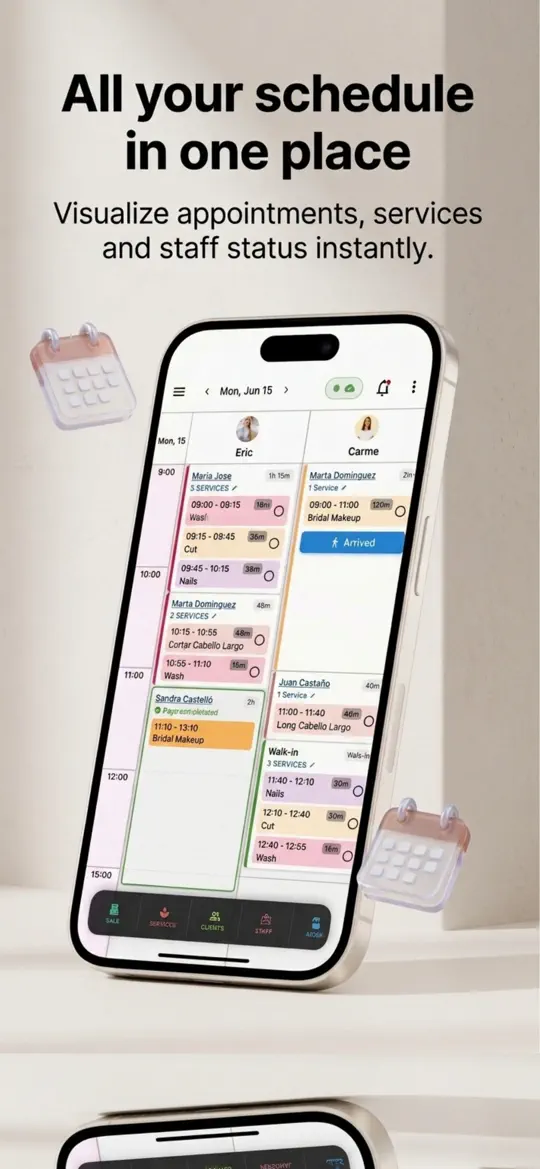

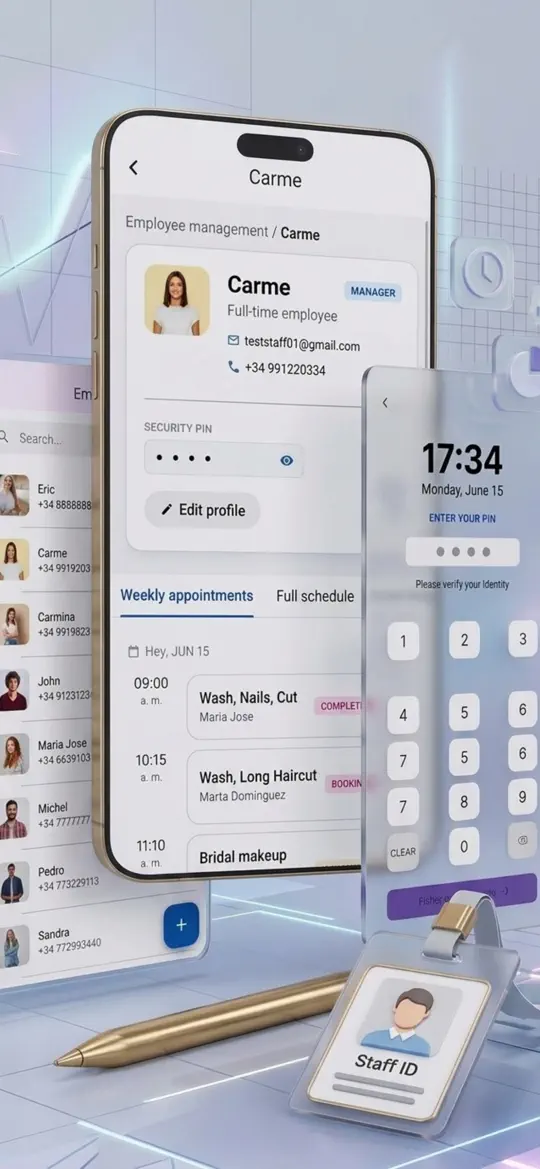
- Five leave types
Vacation, sick leave, training, maternity and other are kept apart, so you can see at a glance why someone is away.
- Full or partial days
Block a whole week or just two hours on a Tuesday afternoon without touching the rest of the schedule.
- Booking warning
Front-desk staff get a clear off-duty message before a client is booked with someone who isn't there.
- Today and next 7 days at a glance
The dashboard alerts show who is on vacation today and whose time off starts within a week, and don't flag them for missing clock-in.
- Record past absences
Add a sick day after the fact from the attendance tab, so your records stay complete.


Tips for fair time off in a busy salon
- Ask for time off requests in one place only, such as a shared form or a set message format, so nothing gets lost in chats.
- Publish next year's blackout dates in early fall, before people book flights.
- When you approve a vacation, look at the stylist's bookings for that week the same day and start moving clients right away.
- Pair each stylist with a backup colleague who knows their regular clients and services.
- Check your state's rules on paid leave and paid sick leave before you write the policy, especially if your stylists are paid on commission.
Frequently asked questions
How do salons handle vacation requests?
Most use a written policy: requests in writing with a set amount of notice, a manager's approval, limits during busy periods and a rule for overlapping requests. The approved dates are then blocked in the booking calendar.
Do salons have to give paid vacation?
Federal law doesn't require paid vacation; the US Department of Labor says it is a matter of agreement between employer and employee. Some states and cities do require paid sick leave, so check your local rules.
How much notice should a stylist give for time off?
There is no single rule. Many salons ask for several weeks for a vacation, because regular clients book far in advance, and accept same-day notice for illness.
What are blackout dates in a salon?
They are the busiest periods, such as the weeks before major holidays, when time off is limited or not allowed. They should be listed in the policy and shared early.
What happens to clients when a stylist is on vacation?
Ideally they are contacted well before the date and offered another day or another stylist. Blocking the dates as soon as the vacation is approved keeps new bookings from landing in that week.
Summary
To manage salon staff time off without last-minute calls, agree on a short policy with notice, blackout dates and a limit on overlaps, then block every approved day in the calendar right away. Salon Pro Business does that blocking for full and partial days, warns before anyone books into them and shows who is away this week. Try it the next time someone asks for a day off.
More guides
 Android & iPhone
How to Fill Last-Minute Salon Cancellations With a Waitlist
A client cancels at 9 a.m. and a two-hour slot sits empty. Here is how to keep a waitlist that fills it, with or without software.
 Android & iPhone
How to Set Up Online Booking for a Salon (Step by Step)
Clients want to book at 10 p.m. without calling. Here is how to prepare your services, set simple rules and share one booking link where clients already look.

 Android & iPhone
What to Do When the Gym Is Busy: Smart Exercise Swaps
Every squat rack is taken and the bench has a line. Here is how to keep your workout on plan by reordering and swapping exercises instead of waiting.