Android & iPhone guide
How to Organize Salon Expenses for Taxes All Year
A shoebox of supplier invoices costs you time and missed deductions every spring. Here is a simple way to keep salon expenses organized all year.
Most salon owners only try to organize salon expenses for taxes in March, digging through email, a drawer of invoices and a phone full of photos. Things get missed, and missed receipts can mean missed deductions.
This guide shows a simple system that takes a few minutes a week: what to keep, how to sort it, how long to hold on to it, and how to hand it to your accountant in one tidy package.
Why salon expenses get messy by tax time
A salon pays a lot of different people: color and retail suppliers, the landlord, utilities, equipment sellers, marketing services. Each sends invoices in a different way, by email, on paper in the box, or as a link that expires.
When those invoices are scattered, two things happen. Your accountant spends billable hours sorting them, and expenses you could have deducted never make it onto the return because nobody can find the proof.
There is also the question of proof later. The IRS generally expects you to keep records that support your return for at least three years, and longer in some cases. A system you set up now makes that easy.
Common reasons salon receipts go missing
Invoices in too many places
Some arrive by email, some on paper with a delivery, some only in a supplier's online portal. Without one home, they drift apart.
No categories
A pile of supplier invoices with no labels means someone has to read every one at tax time to decide what it was for.
Paper fades and gets lost
Thermal receipts fade, and paper invoices get wet at the shampoo station or thrown out with the packaging.
Sorting only once a year
Twelve months of expenses in one weekend is how mistakes happen. Small, regular sessions are faster and more accurate.
How to organize salon expenses for taxes without special software
A folder system and a spreadsheet can work well if you keep it up every week. Here is a simple setup.
Make one inbox for expenses
Create one folder on your computer or cloud drive called Expenses, with a subfolder for each month. Every invoice goes there, no exceptions.
Scan or photograph paper right away
Take a clear photo or scan of paper invoices the day they arrive. The IRS accepts digital copies of receipts as long as they are complete, accurate and readable.
Name files consistently
Use a pattern like date, supplier and amount, for example 2026-03-14_SupplierName_412.50. Anyone can then find a file without opening it.
Keep a simple spreadsheet
List each expense with date, supplier, amount, expense category and whether it is paid. Categories such as product stock, rent, utilities, equipment and marketing cover most salon costs.
Review once a week
Spend ten minutes each week checking that every bill is filed and logged, and that unpaid invoices are on your radar.
Hand it over at year end
Send your accountant the spreadsheet plus a zipped copy of the folder. Ask them which items are deductible and which are capital purchases.

The faster way
Keep salon invoices organized in Salon Pro
A folder and a spreadsheet are two systems to maintain. Salon Pro Business is salon software that tracks expenses next to your bookings and sales: each supplier has a profile with its invoice history, and the documents are stored with your salon account instead of on one computer.
Add your suppliers
Create a profile for each supplier with their name, contact details and tax ID, so every invoice is linked to who sent it.
Log each invoice as it arrives
Open the supplier, add an invoice and attach the document: pick a photo of a paper invoice, which the app turns into a PDF, or attach the PDF the supplier emailed.
Add the details
Enter the amount and the invoice date, choose a category (product stock, rent, utilities, equipment or marketing) and mark it Paid or Unpaid.
Check what is still unpaid
Each supplier's invoice history shows every bill with a green paid or orange unpaid label, so open bills are easy to spot.
Export for your accountant
Choose a date range, such as the full tax year, and download one ZIP file with every attached invoice, each named by date, supplier and amount. Share it straight from the app by email or messaging.
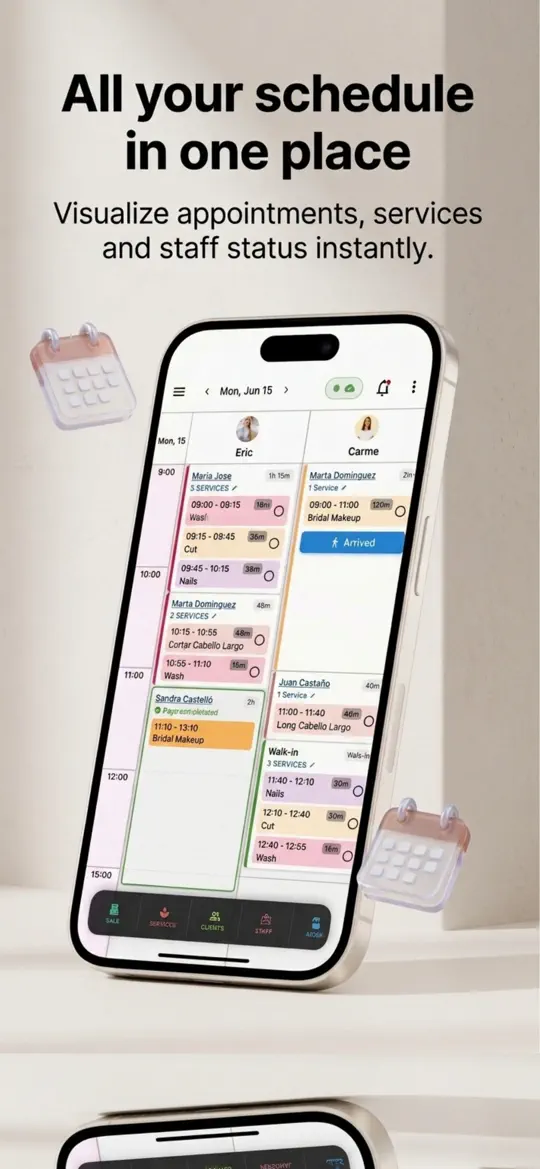

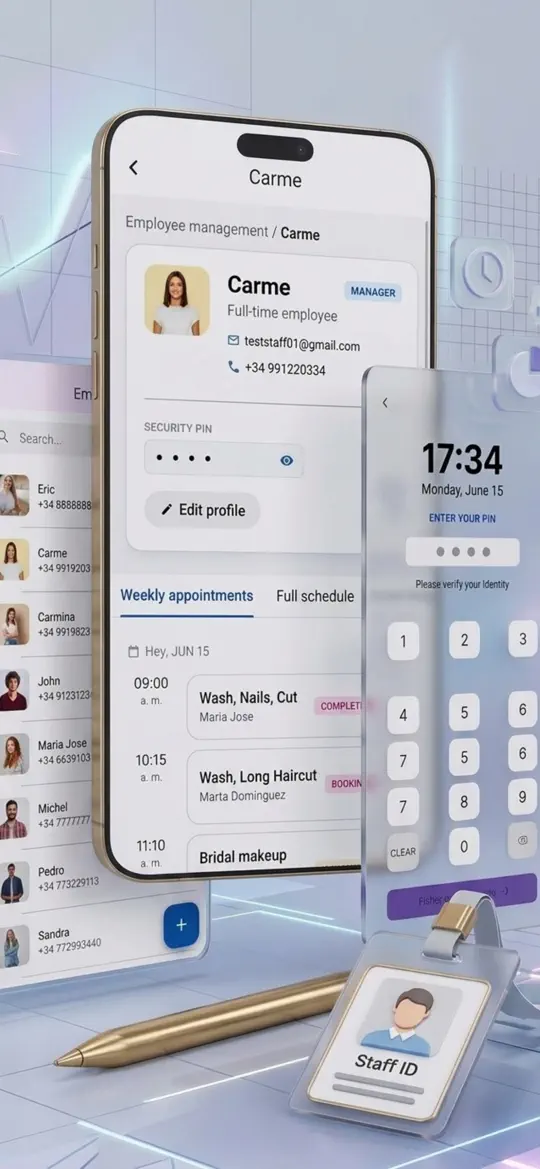
- Supplier profiles
Every invoice is tied to a supplier, with their contact details and tax ID in one place.
- Photo-to-PDF invoices
Paper invoices become clean PDFs you can keep long after the original fades.
- Expense categories and paid status
Each bill is labeled as you enter it, so nothing needs to be sorted again at tax time.
- ZIP export by date range
One file for your accountant with clearly named invoices, instead of a box of paper or a forwarded email chain.
- Stored with your salon account
Invoices are uploaded to your salon account, so they don't depend on one phone or laptop.


Tips for stress-free salon bookkeeping
- Log invoices the day they arrive. A two-minute habit beats a two-day sort in March.
- Keep business and personal spending on separate cards and accounts so every business charge is easy to prove.
- Ask your accountant which purchases, such as styling chairs or dryers, should be treated as equipment rather than a regular expense.
- For record retention, keep invoices at least three years after filing, and longer for equipment you are still depreciating. Payroll records have their own, longer rules.
- Export your expenses every quarter, not just once a year, if you pay estimated taxes.
Frequently asked questions
How long should a salon keep receipts for taxes?
The IRS generally suggests keeping records that support your return for at least three years after filing. Keep records longer for equipment and other property until the period after you sell or dispose of it has passed, and check with your accountant for your situation.
Can I keep digital copies of receipts instead of paper?
Yes. The IRS accepts electronic copies of business receipts as long as they are complete, accurate and can be produced in readable form if asked. Make sure the whole document, including the date and amount, is clear.
What expenses can a salon owner write off?
Common salon tax deductions include product and back-bar supplies, rent, utilities, insurance, marketing, software, education and wages. Larger equipment may need to be depreciated. A tax professional can confirm what applies to you.
How do I categorize salon business expenses?
Start with a few broad categories that match how you spend, such as product stock, rent, utilities, equipment and marketing. Keep the same categories every year so you can compare.
What is the easiest way to send expenses to my accountant?
Send one organized package: a list of expenses and a single folder or ZIP file of invoices named by date, supplier and amount. Ask your accountant what format they prefer.
Summary
The easiest way to organize salon expenses for taxes is to file each invoice the day it arrives, label it once and hand your accountant a single tidy export. A folder and spreadsheet can do it if you are disciplined. Salon Pro Business keeps supplier invoices, categories, paid status and the year-end ZIP export in the same app you run your salon with. Try it on this month's bills.
More guides
 Android & iPhone
How to Fill Last-Minute Salon Cancellations With a Waitlist
A client cancels at 9 a.m. and a two-hour slot sits empty. Here is how to keep a waitlist that fills it, with or without software.
 Android & iPhone
How to Set Up Online Booking for a Salon (Step by Step)
Clients want to book at 10 p.m. without calling. Here is how to prepare your services, set simple rules and share one booking link where clients already look.

 Android & iPhone
What to Do When the Gym Is Busy: Smart Exercise Swaps
Every squat rack is taken and the bench has a line. Here is how to keep your workout on plan by reordering and swapping exercises instead of waiting.