PDF Reader: Scan, Edit & Sign
Open & read PDF, edit text, scan to PDF, e-sign, stamp, OCR, merge & photo PDF
- Instant loading for large PDF documents, forms, invoices, receipts, and eBooks.
- Smooth continuous vertical scrolling or page-by-page reading with pinch-to-zoom.
- Eye-comfort Dark Mode and Sepia reading themes for day and night use.

Screenshots
About PDF Reader: Scan, Edit & Sign
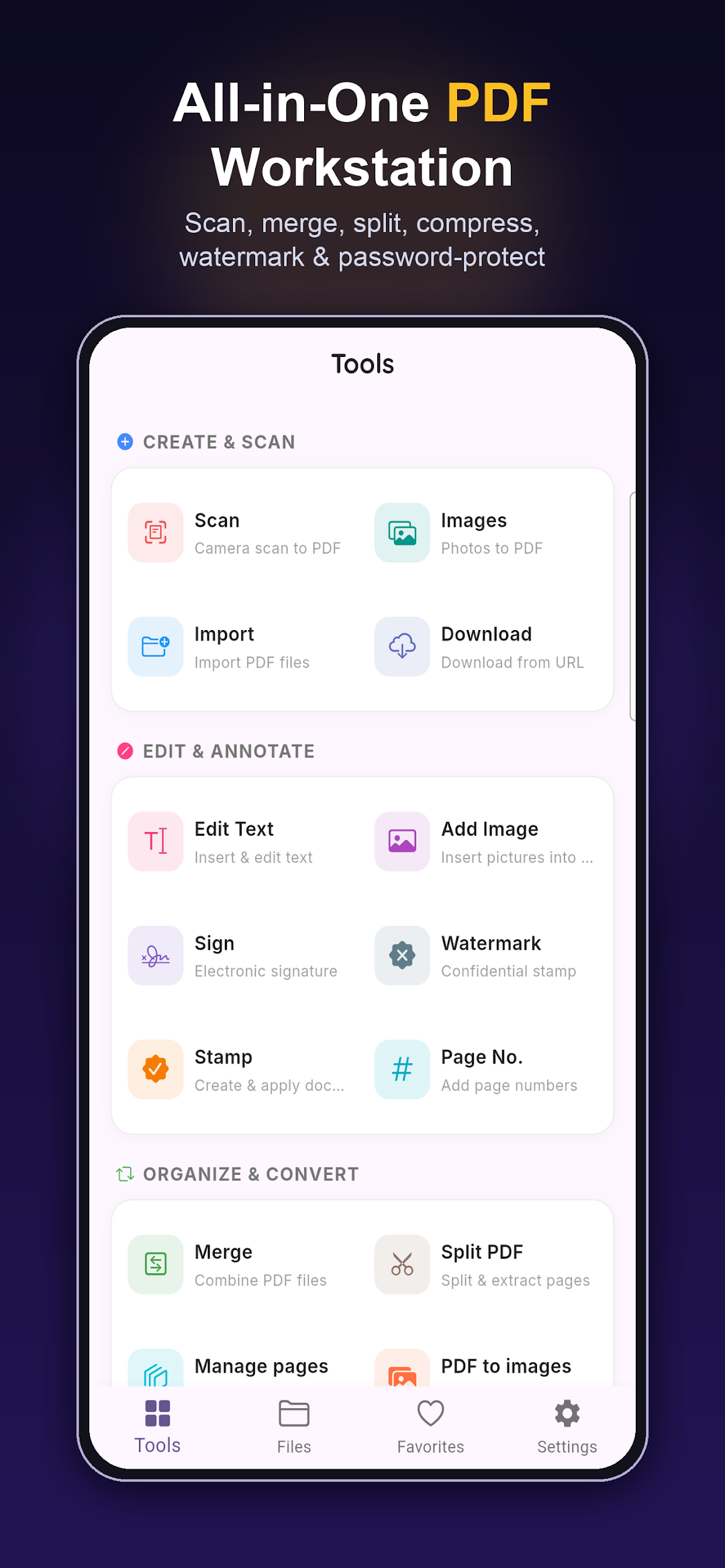
PDF Reader: Scan, Edit & Sign is your fast, all-in-one mobile PDF workstation to read PDF files, edit PDF text directly, scan documents to PDF, e-sign contracts, apply stamps, extract text with OCR, and convert photos to PDF on Android.
Whether you need to open a PDF attachment from WhatsApp or email, modify text on an invoice, sign an official form, listen to a book with Read Aloud, or compress a large PDF for sharing, every tool works smoothly in one lightweight app.
FAST & COMFORTABLE PDF READER & VIEWER
• Instant loading for large PDF documents, forms, invoices, receipts, and eBooks.
• Smooth continuous vertical scrolling or page-by-page reading with pinch-to-zoom.
• Eye-comfort Dark Mode and Sepia reading themes for day and night use.
• Built-in Read Aloud (Text-to-Speech / TTS) with natural voice selection to listen to any PDF hands-free.
• Instant in-document word search, page jump, and Favorites bookmarking.
DIRECT PDF TEXT & IMAGE EDITOR
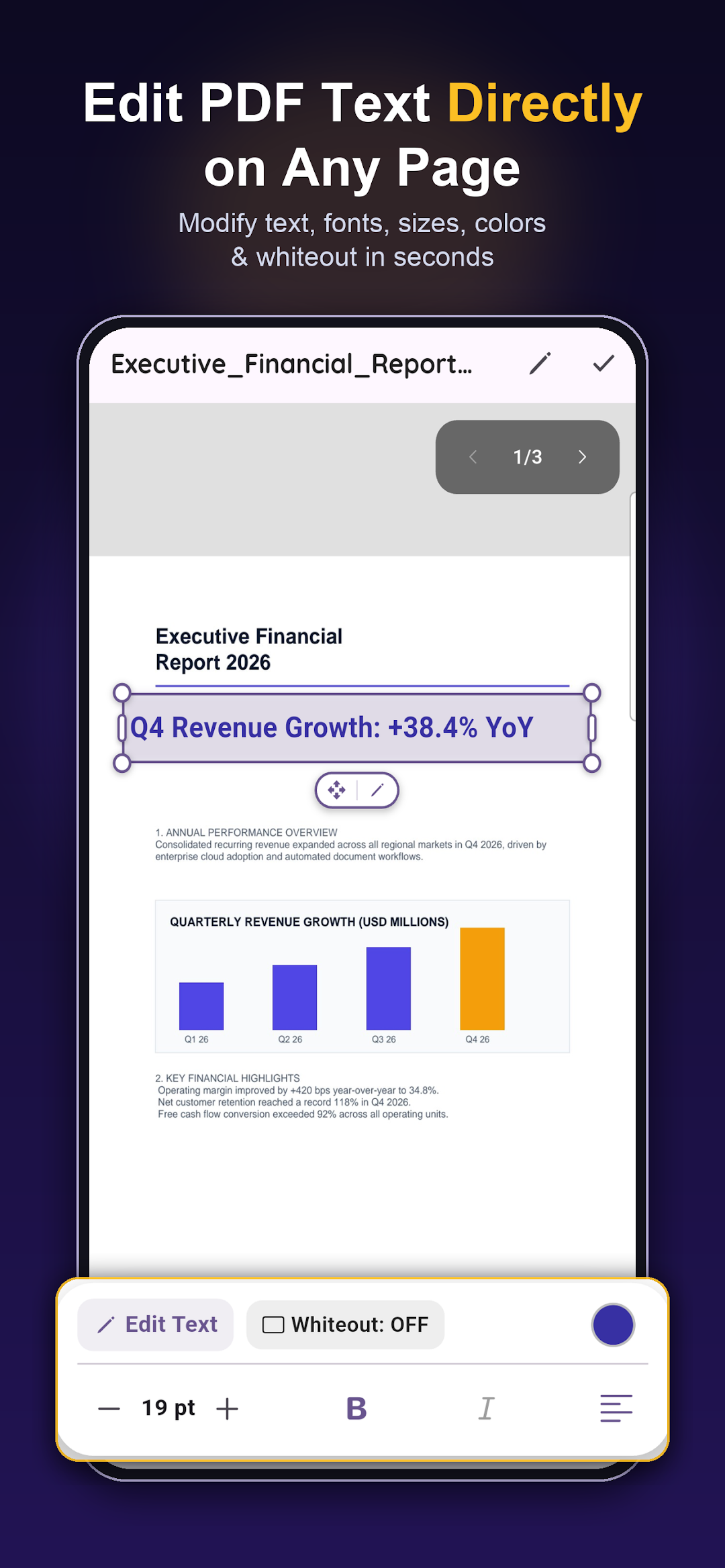
• Edit PDF Text Directly: Insert, modify, or replace text on your PDF pages with custom font sizes, bold/italic styling, colors, and alignment.
• Whiteout & Cover Tool: Cleanly cover outdated text or sensitive details before typing new content.
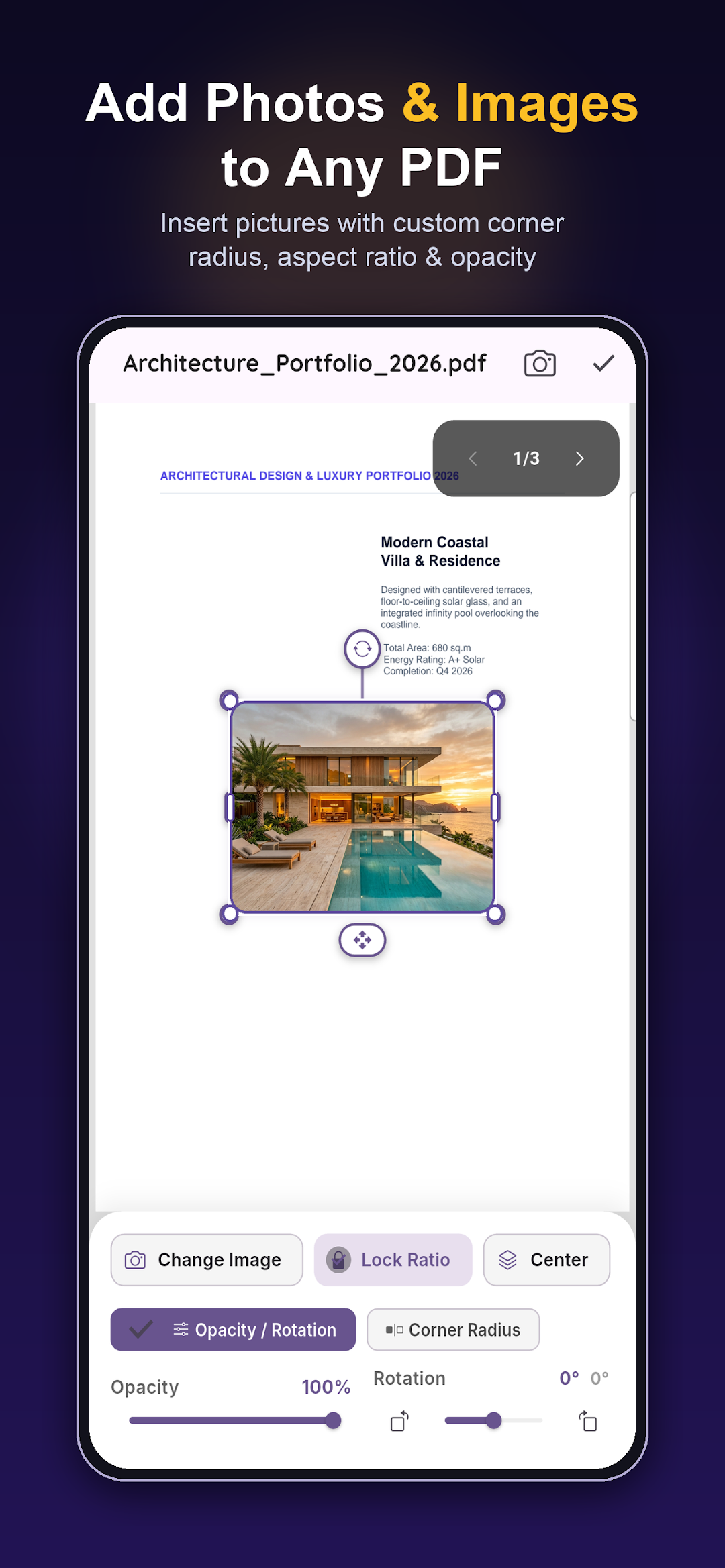
• Add Photos to PDF: Insert images into any PDF page with custom corner radius, aspect ratio lock, opacity, and rotation controls.
• Annotate & Markup: Highlight, underline, and strikethrough key text passages.
SMART AI DOCUMENT SCANNER & OCR
• Camera Scan to PDF: Turn paper contracts, receipts, ID cards, invoices, and class notes into crisp, studio-quality PDFs using automatic edge detection and perspective correction.
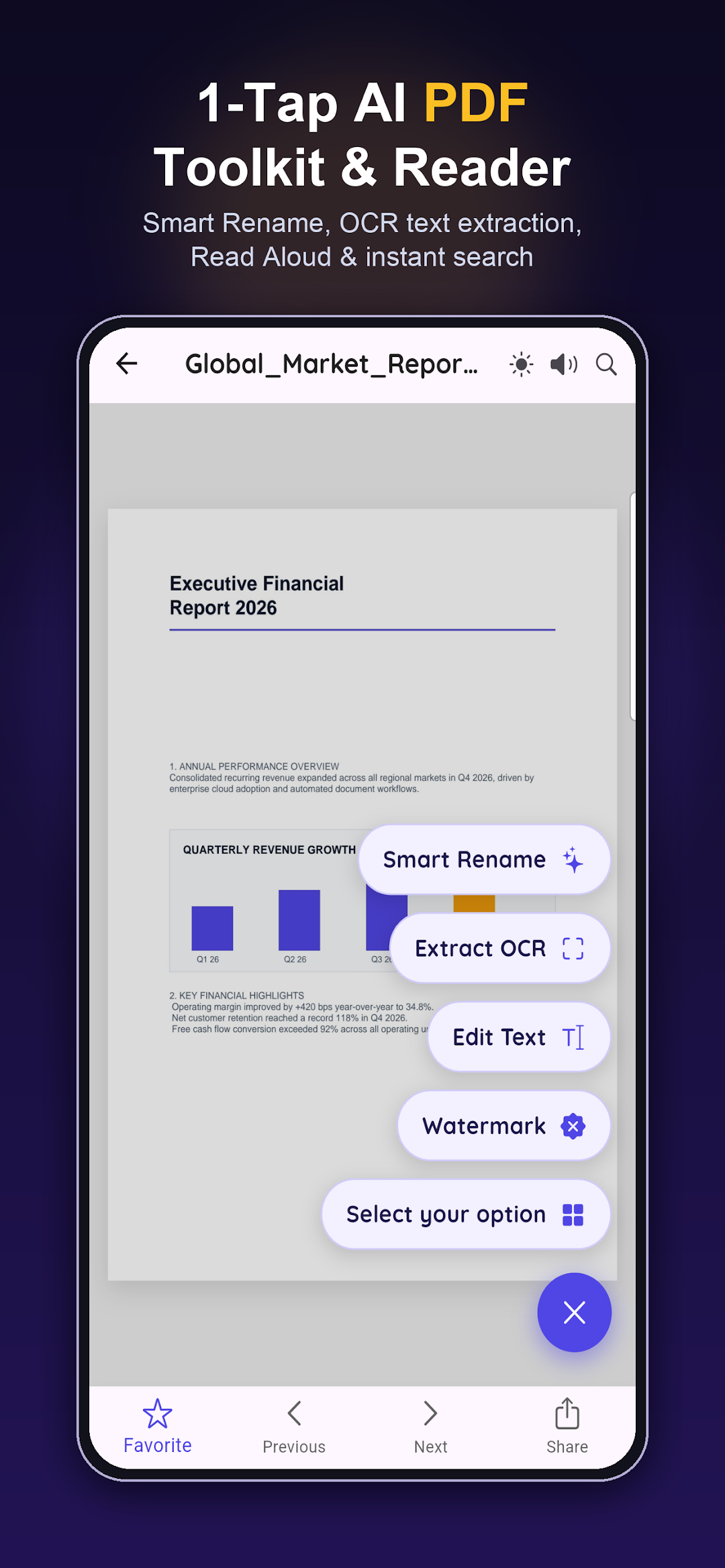
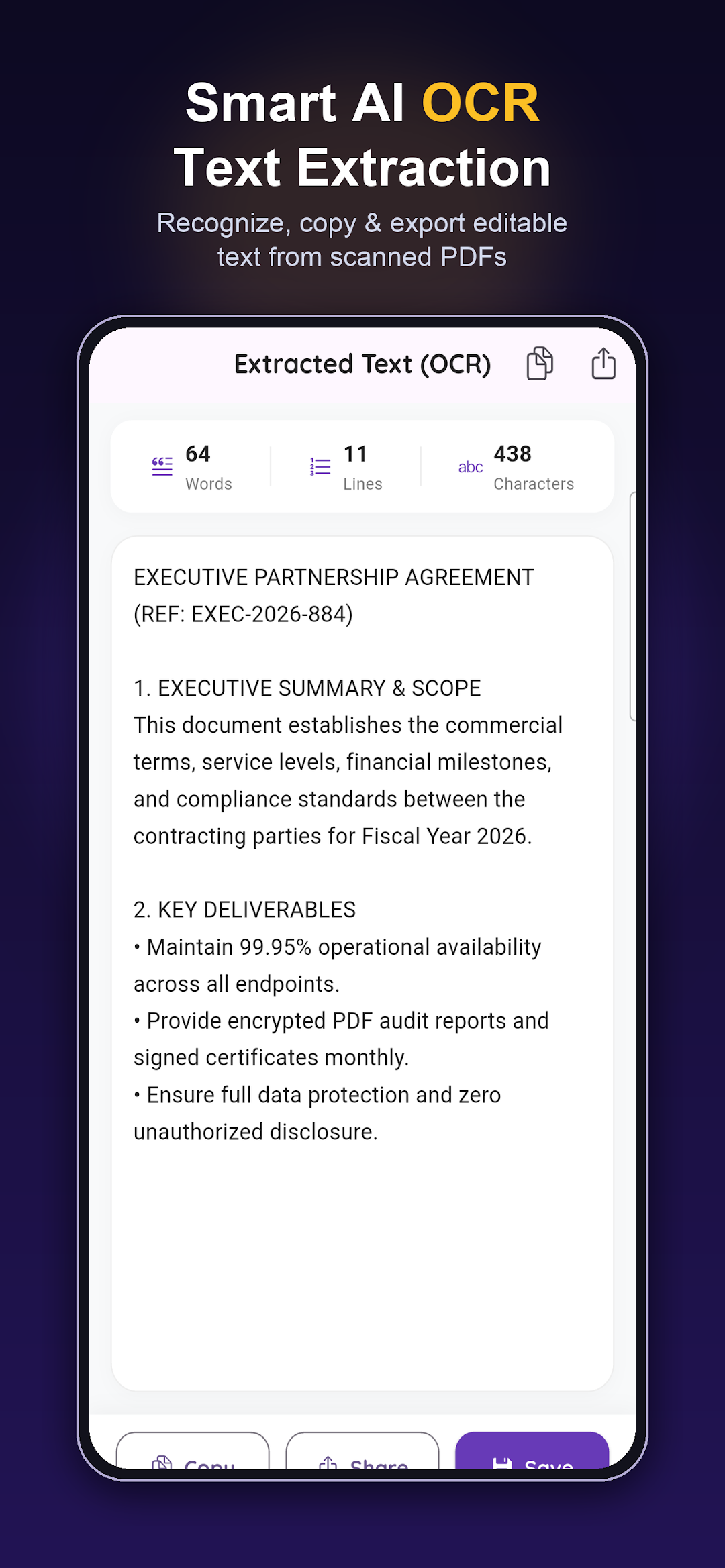
• Extract Text with AI OCR: Recognize, copy, and share searchable text from scanned PDFs and camera photos in seconds.
• AI Smart Rename: Automatically generate clean, standardized filenames from your document content.
E-SIGNATURES, STAMPS & WATERMARKS
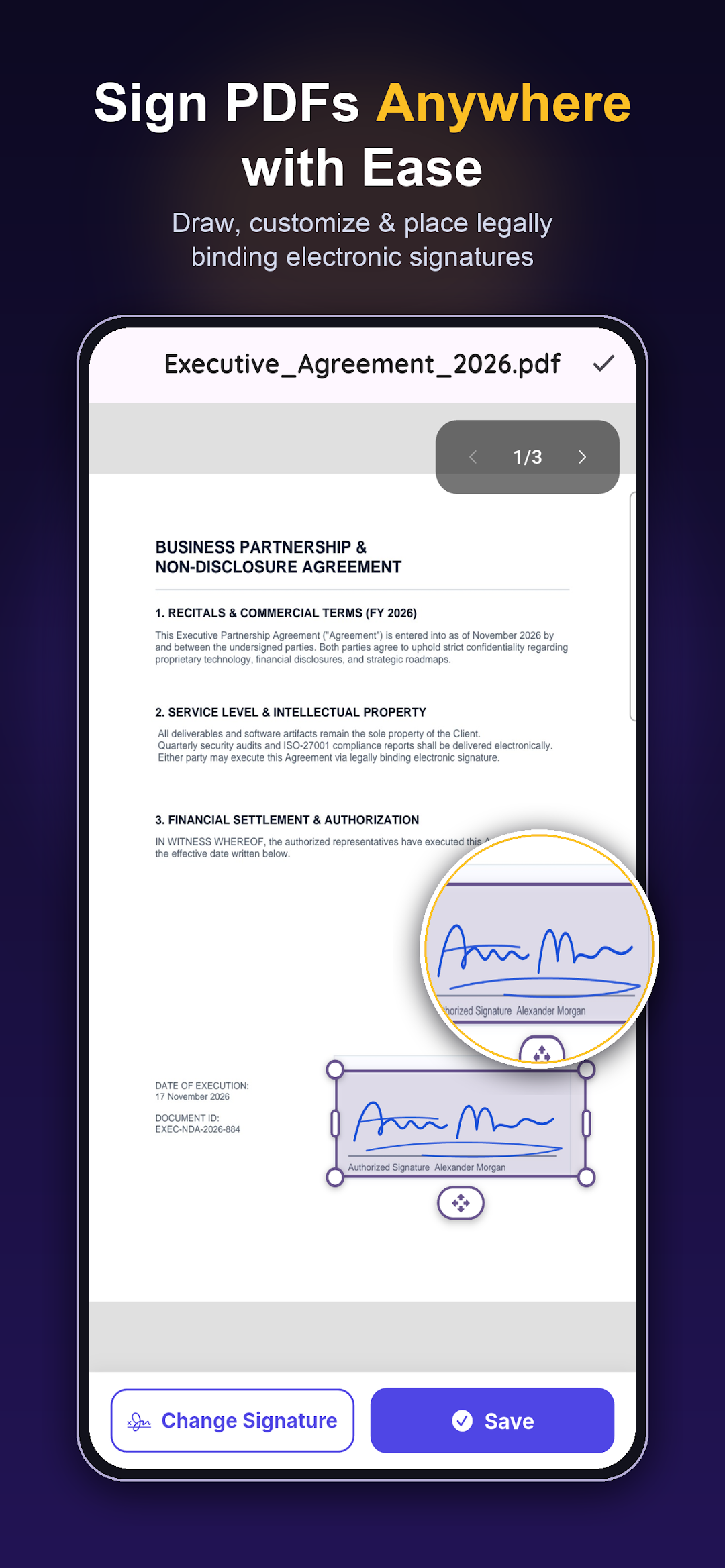
• Sign PDF Documents: Draw your handwritten electronic signature, save multiple signatures, and place or resize them on any contract, agreement, or form.
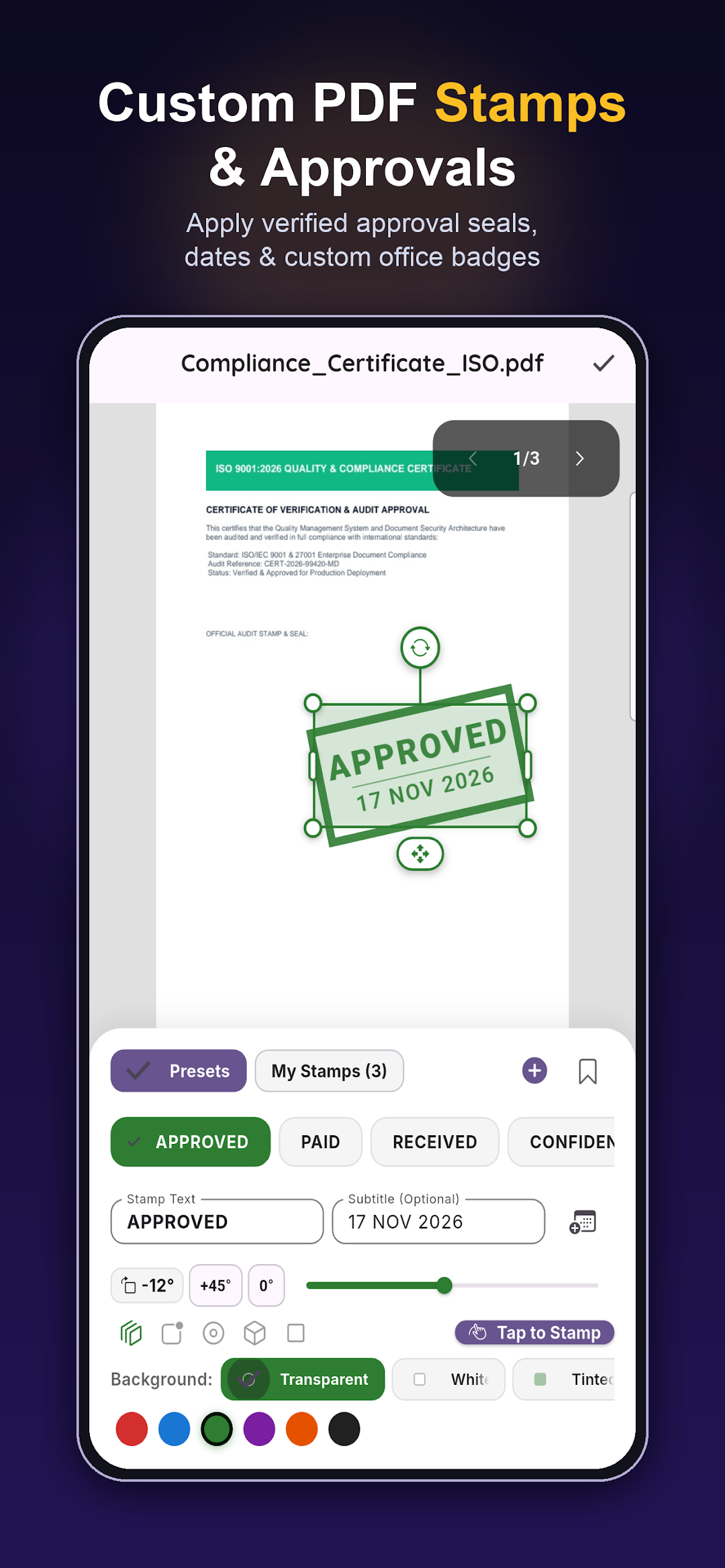
• Custom PDF Stamps: Apply professional office stamps ("Approved", "Confidential", "Paid", "Received"), date seals, or create custom stamps.
• Watermark PDF: Add custom text watermarks with adjustable opacity, color, and angle.
CONVERT, MERGE, SPLIT & COMPRESS PDF
• Images & Photos to PDF Converter: Select multiple photos from your gallery and combine them into a single, polished PDF file.
• Merge PDF: Combine multiple PDF documents into one organized file.
• Split PDF & Manage Pages: Reorder, extract, or delete specific pages using visual thumbnails.
• Compress PDF: Shrink PDF file size (Low, Medium, High compression) for fast email and messaging uploads while preserving clarity.
• PDF to Images: Export PDF pages as high-resolution images to your phone.
• Add Page Numbers: Insert customizable page numbering across multi-page documents.
SECURITY & SMART FILE ORGANIZATION
• Protect & Unlock PDF: Encrypt confidential PDFs with a password or remove passwords from authorized documents.
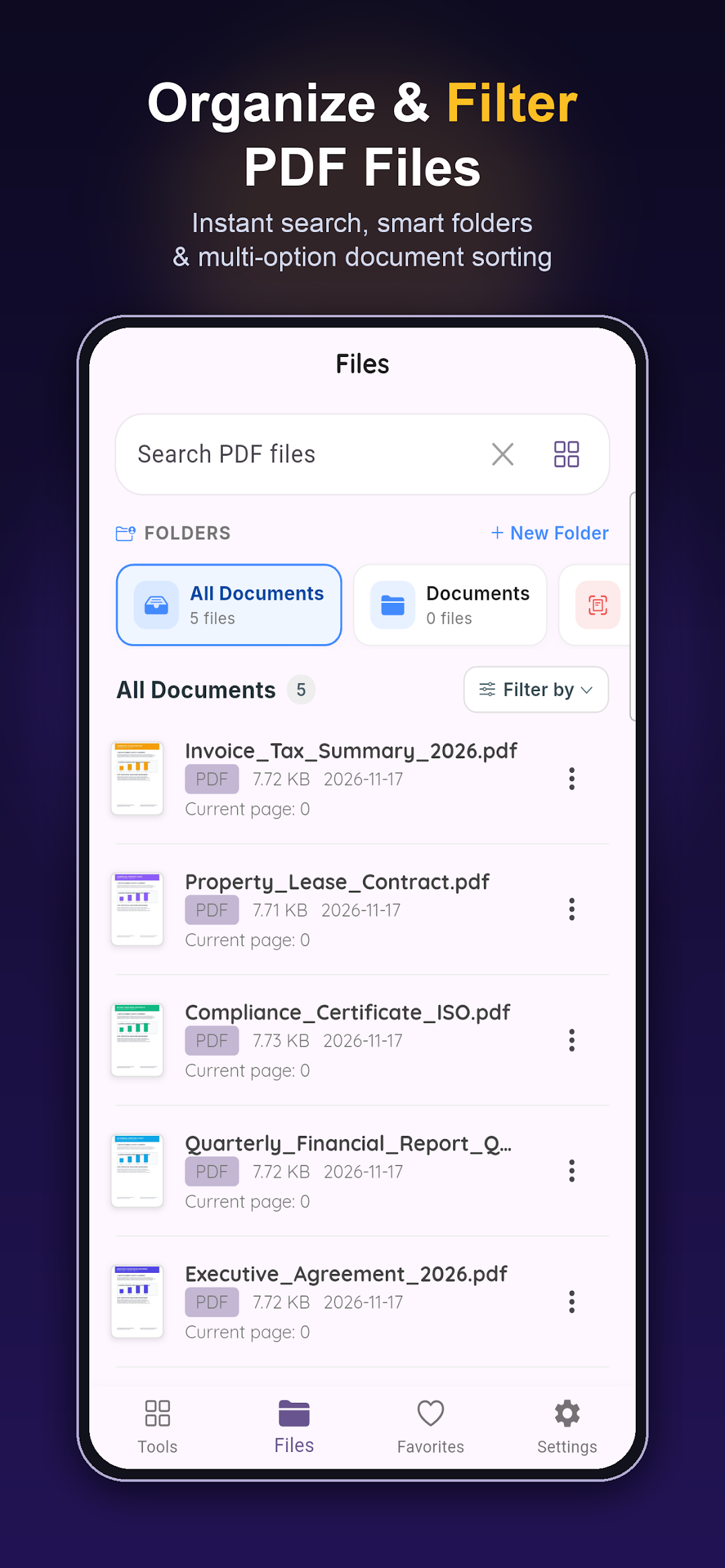
• Smart Folders & Sorting: Organize documents into custom folders and sort by newest date, name (A–Z), file size, or recently opened.
• Default PDF App: Open PDF files directly from WhatsApp, Gmail, Downloads, and file managers.
Download PDF Reader: Scan, Edit & Sign today and manage every PDF document task from your phone.
Need help with PDF Reader: Scan, Edit & Sign?
Send us a message and we’ll reply by email.