PDF editor, sign, fill
Edit, sign, fill in and manage PDF documents.
About PDF editor, sign, fill
**Edit, View, Sign & Manage PDF Files — All in One Powerful App**
**PRF pro** is your complete PDF toolkit for iPhone and iPad. Effortlessly edit, view, sign, merge, split, scan, and organize all your PDF documents — anytime, anywhere.
**Key Features:**
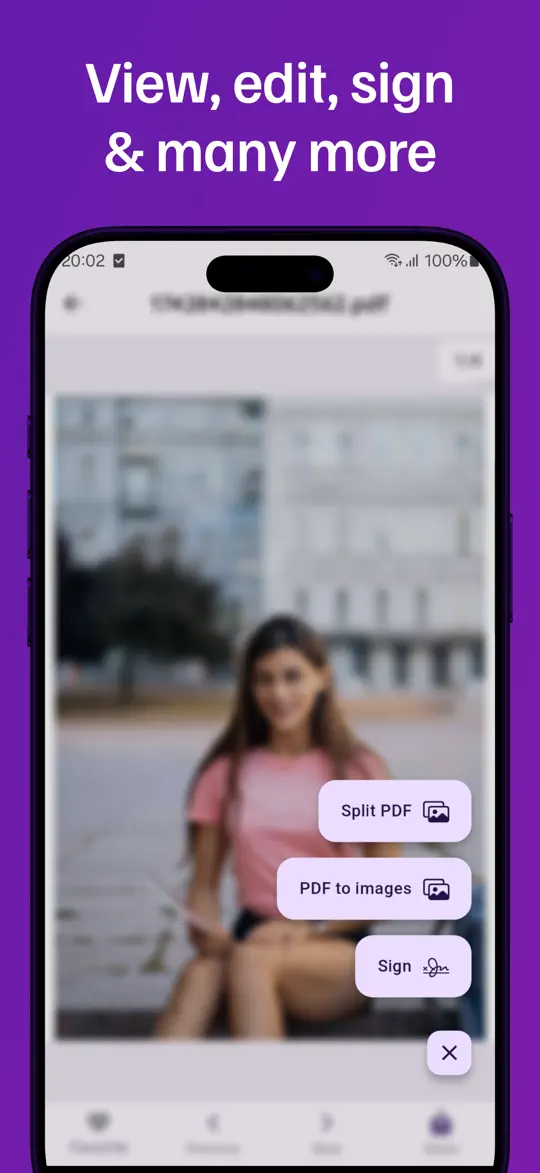
- **View and Edit PDFs** — Smooth viewing with automatic save on the last page.
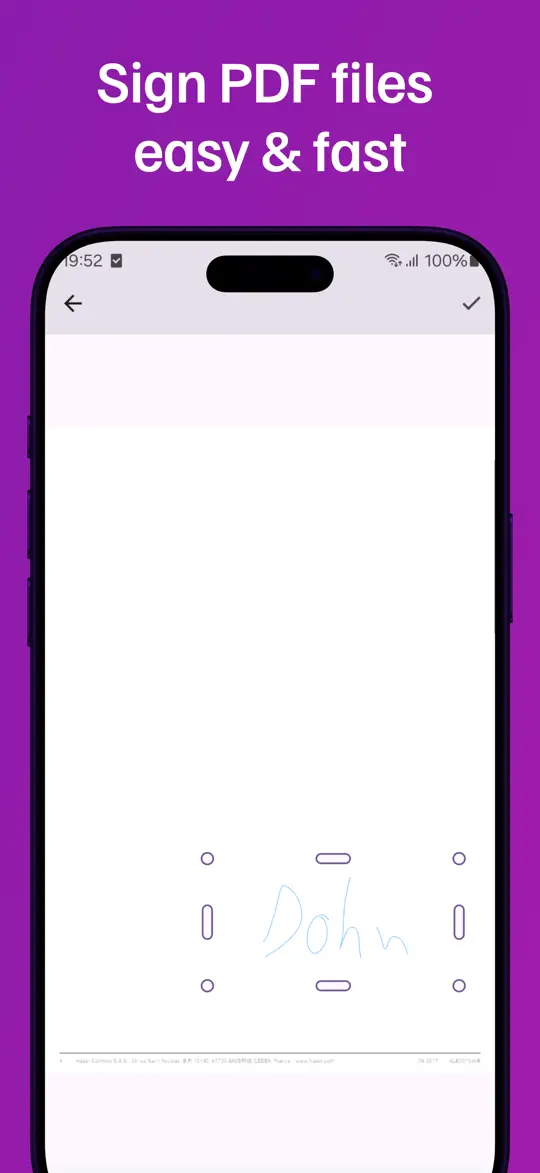
- **Sign Documents** — Add and store multiple digital signatures.
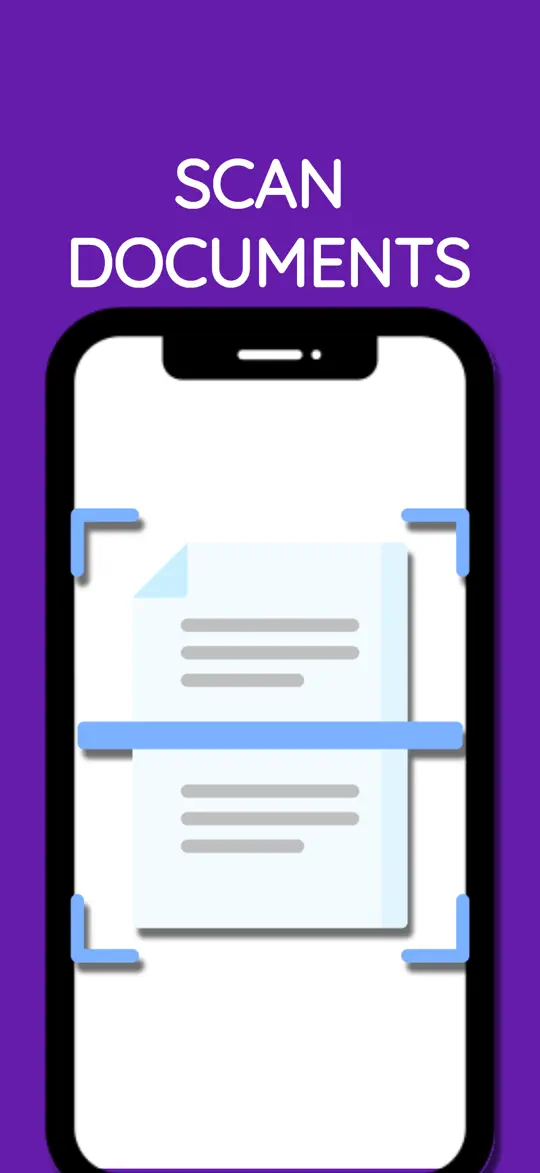
- **Scan to PDF** — Ultra-efficient scanning with auto-detect; just point your camera!
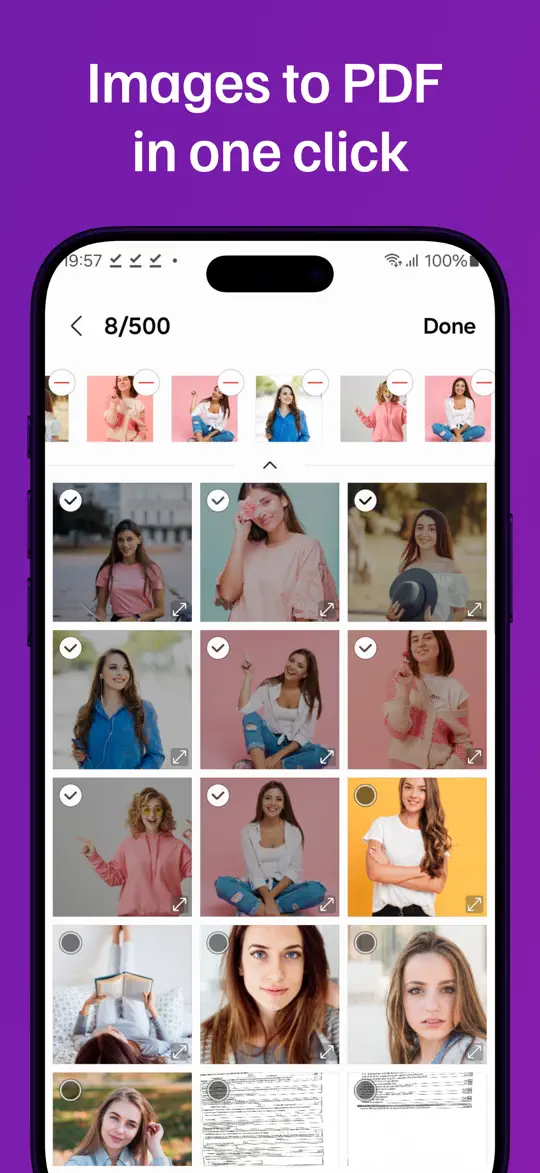
- **Convert Images to PDF** — Create PDFs from your photos in seconds.
- **Merge & Split PDF Files** — Easily combine or separate PDFs with just a tap.
- **Download PDFs from the Internet** — Import documents directly from online links.
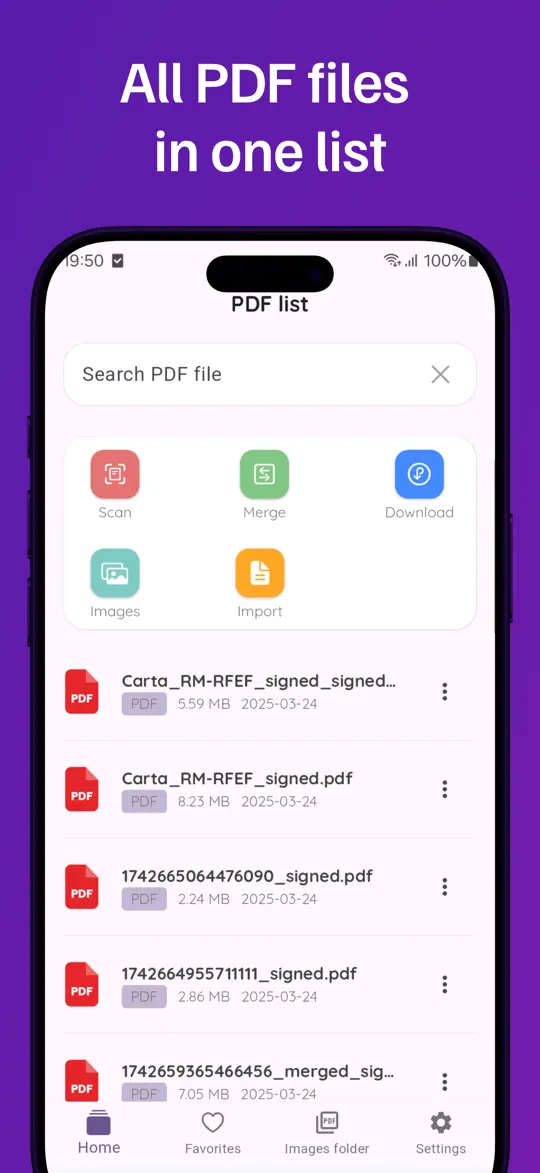
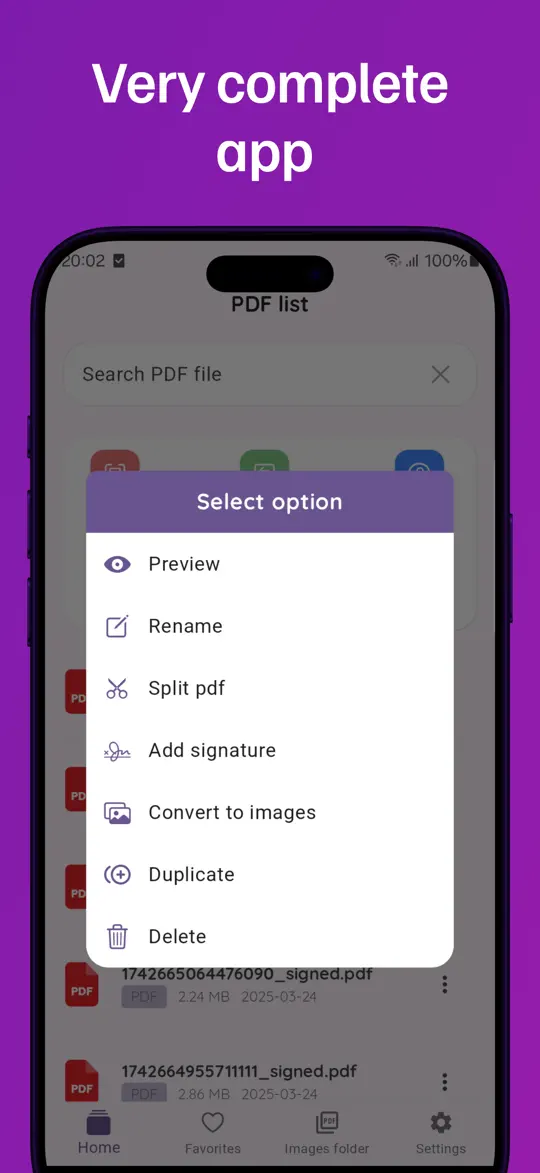
- **File Management** — Rename, duplicate, delete files, and mark favorites for quick access.
- **Edit Images** — Apply filters and enhance visuals before finalizing your PDF.
**Why PDF editor?**
- Lightning-fast performance
- User-friendly and intuitive interface
- Perfect for professionals, students, and everyday tasks
- Secure and reliable for sensitive documents
**Perfect For:**
- Signing contracts and official documents
- Scanning receipts, notes, ids and paperwork
- Merging class notes and splitting assignments
- Managing PDF files on the go
**Download PDF editor now and experience the easiest way to edit, sign, and manage PDFs on your iPhone or iPad!**
**What’s New:**
- Improved document scanning with smarter auto-detection
- Enhanced PDF editing speed and stability
- Bug fixes and performance improvements
Need help with PDF editor, sign, fill?
Send us a message and we’ll reply by email.